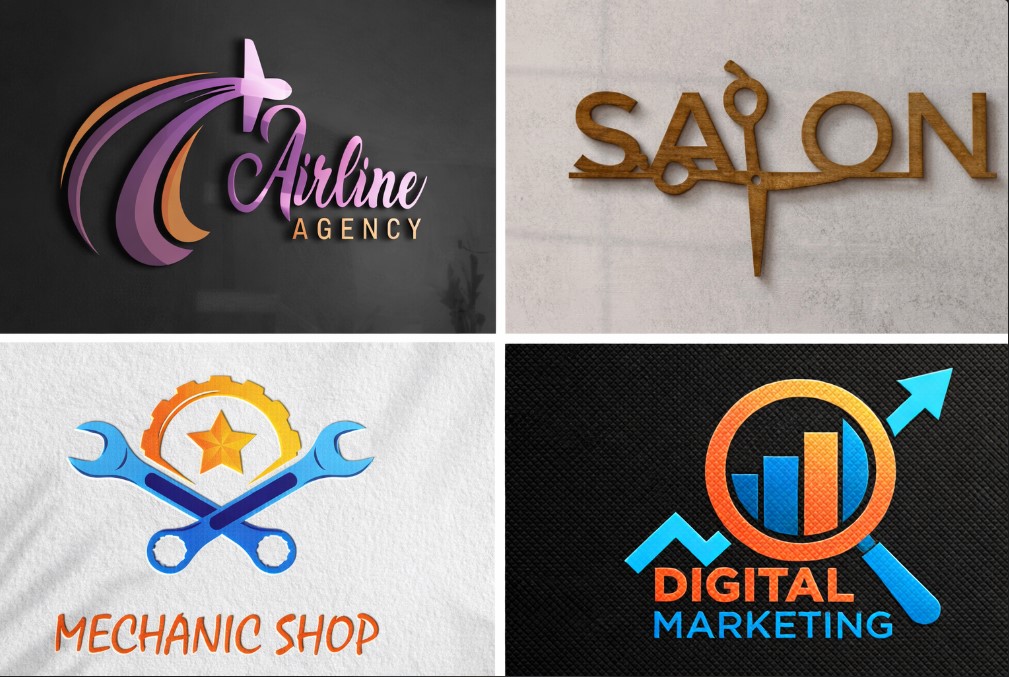
Creating a logo is one of the most important steps when starting a blog, business, YouTube channel, or online brand. A logo represents your identity and helps people recognize and trust your brand. Many beginners think logo design requires money or professional skills, but that is not true anymore. Learning How to Create a Free Logo makes it possible to design a professional logo without spending anything.
In today’s digital world, several online tools allow anyone to design logos easily. This guide explains How to Create a Free Logo step by step using beginner-friendly tools and smart design principles.
What Is a Logo and Why It Is Important
A logo is a visual symbol that represents a brand, business, or individual. It can include text, icons, shapes, or a combination of all three. Understanding How to Create a Free Logo helps you build a strong brand identity from the beginning. After designing a logo, the next step is building your online presence, so beginners can also follow How to Create a Website Smartly to launch a professional website.
A good logo:
- Builds trust
- Improves brand recognition
- Makes your project look professional
- Helps you stand out
Who Should Create a Logo
Anyone building an online presence should have a logo. Learning How to Create a Free Logo is especially useful for:
- Bloggers
- Small business owners
- Students
- Freelancers
- YouTubers
- Startup founders
You do not need graphic design experience to get started.
Things to Decide Before Creating a Logo
Before learning How to Create a Free Logo, you should be clear about a few things:
- Brand name
- Target audience
- Industry or niche
- Brand personality (modern, simple, bold, creative)
Clear planning makes logo creation easier and faster.
How to Create a Free Logo Using Online Tools
Modern logo makers use templates and drag-and-drop systems. This makes How to Create a Free Logo simple even for complete beginners.
Most free logo tools follow these steps:
- Enter your brand name
- Choose your industry
- Select logo styles
- Customize colors, icons, and fonts
- Download your logo
Best Free Logo Maker Tools
To properly understand How to Create a Free Logo, you should know which tools work best.
Popular free logo makers include:
- Canva
- Looka (free preview)
- Hatchful by Shopify
- Ucraft Logo Maker
- LogoMakr
These tools provide ready-made designs that you can customize easily. Creators who want to improve branding and design efficiency can also explore Best AI Tools for Content Creators 2026 for smart content and design support. Another popular free logo creation tool is Hatchful by Shopify, which helps users design logos quickly without design experience.
How to Create a Free Logo with Canva
Canva is one of the easiest platforms for beginners. Many people learn How to Create a Free Logo using Canva because of its simplicity.
Steps:
- Open Canva
- Search for “Logo”
- Choose a free template
- Edit text, color, and icons
- Download in PNG format
Canva offers thousands of free design elements suitable for logos. Beginners can design professional logos easily using the free tools available on Canva’s official logo maker.
How to Choose the Right Colors and Fonts
Color and font choice matters a lot when learning How to Create a Free Logo.
Color tips:
- Use 1–2 main colors
- Avoid very bright combinations
- Match colors with your niche
Font tips:
- Choose readable fonts
- Avoid using too many fonts
- Keep it clean and simple
Mistakes to Avoid When Creating a Free Logo
Many beginners make mistakes even after learning How to Create a Free Logo.
Avoid:
- Copying other brands
- Using too many colors
- Adding too much text
- Choosing low-quality icons
A simple logo always performs better.
How to Download and Use Your Free Logo
Once you understand How to Create a Free Logo, the next step is using it correctly.
You can use your logo on:
- Website header
- Social media profiles
- YouTube channel
- Business cards
- Email signatures
Always download the logo in high resolution for better quality.
Free Logo vs Paid Logo – What Is the Difference
Learning How to Create a Free Logo is perfect for beginners and small projects.
Free logos:
- Cost nothing
- Easy to create
- Suitable for new brands
Paid logos:
- Fully custom
- Created by designers
- Better for large businesses
You can always upgrade later.
Can a Free Logo Look Professional?
Yes, if designed properly. Many successful brands started after learning How to Create a Free Logo using simple tools.
Professional look depends on:
- Simplicity
- Color balance
- Font clarity
- Proper spacing
How Often Should You Change Your Logo
Once you master How to Create a Free Logo, you should not change it frequently.
Change your logo only when:
- Your brand direction changes
- Your niche expands
- Your design looks outdated
Consistency builds recognition.
SEO Benefits of Having a Logo
A logo also helps with SEO and branding. Understanding How to Create a Free Logo supports: Once your brand identity is ready, you can grow traffic by following How to Rank a Blog on Google Fast, which explains beginner-friendly SEO strategies.
- Brand trust
- Better social sharing
- Professional website appearance
- Higher user engagement
How Beginners Can Improve Logo Design Skills
If you want to go deeper after learning How to Create a Free Logo, you can:
- Study popular brand logos
- Practice with templates
- Learn basic design principles
Practice improves results over time.
Is It Legal to Use Free Logo Makers?
Yes, most platforms allow free usage for basic designs. Always check license terms when learning How to Create a Free Logo.
Some tools restrict trademark usage, so read guidelines carefully.
Who Benefits the Most from Free Logos
Free logos are best for:
- New bloggers
- Small startups
- Students
- Side projects
Understanding How to Create a Free Logo saves money and time.
Final Conclusion
Creating a logo no longer requires expensive software or professional designers. With the right tools and planning, anyone can design a clean and professional logo in minutes. By following this guide, you now know How to Create a Free Logo step by step without stress or cost.
A simple, well-designed logo helps you build trust, grow your brand, and stand out online. Start small, stay consistent, and improve as your brand grows.