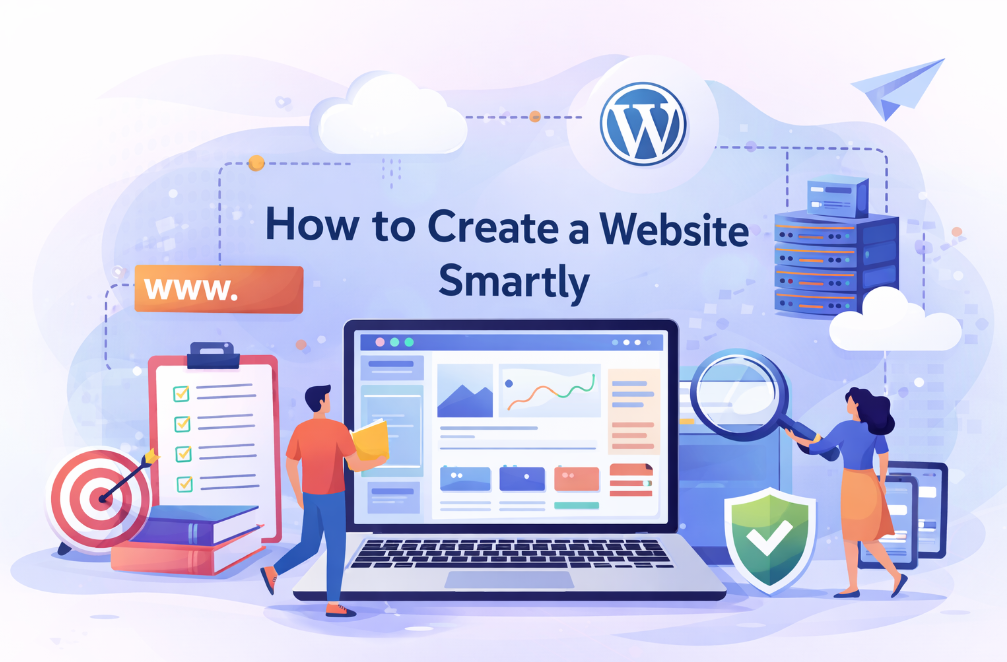
Learning how to create a website is one of the most valuable digital skills in today’s online world. Whether you want to start a blog, build an online business, create a portfolio, or launch an eCommerce store, a website gives you full control over your online presence.
This detailed guide explains how to create a website from scratch in a simple, beginner-friendly way without requiring coding knowledge. If you are creating educational or informational content, you can also read How to Use ChatGPT for Study to understand how AI can support content research and learning.
What Is a Website and Why It Matters
Before understanding the technical steps, it is important to know what a website actually is. A website is a collection of web pages stored on a server and accessed through a domain name. When someone searches your domain in a browser, your content is displayed online.
Understanding how to create a website helps you establish credibility, reach a wider audience, and build something you truly own on the internet. To understand how websites work and how Google discovers them, beginners can follow the official website basics guide by Google Search Central.
Decide Your Purpose First
The first step is deciding why you want a website. Your purpose defines the structure, design, and features you will need. Some people want to share knowledge, others want to sell products, and many want to build a personal brand.
When you are clear about your goal, how to create a website becomes much easier because every decision aligns with that purpose.
Choose the Right Domain Name
A domain name is your website’s online address. It should be short, easy to remember, and relevant to your niche. Avoid numbers and special characters, and try to use common extensions like .com when possible.
Choosing the right domain is a key step in how to create a website, because it directly affects branding and user trust.
Buy Reliable Web Hosting
Web hosting is the service that stores your website files and makes them accessible on the internet. For beginners, shared hosting is usually the best option because it is affordable and easy to manage.
Reliable hosting plays a major role in how to create a website, as speed, uptime, and security all depend on your hosting provider.
Select the Best Platform
A website platform allows you to build and manage your site without technical complexity. Content management systems make it simple to add pages, publish content, and customize design.
Choosing the right platform is essential in how to create a website, because it determines flexibility, SEO capability, and long-term growth.
Install and Set Up WordPress
Once you have hosting and a domain, the next step is installing your website software. Most hosting providers offer one-click installation, making setup fast and simple.
This step is central to how to create a website, because it turns your empty domain into a working site that you can customize and publish content on. For detailed instructions on managing themes, plugins, and settings, beginners should refer to the official WordPress documentation.
Design with Themes and Layouts
Website design controls how your site looks and feels to visitors. A good design should be clean, mobile-friendly, fast-loading, and easy to navigate. You can choose from free or premium themes depending on your needs.
Design is a crucial part of how to create a website, as it directly affects user experience and engagement.
Add Essential Pages and Content
Every professional website needs core pages such as Home, About, Contact, Privacy Policy, and Terms. Along with these pages, high-quality content helps attract visitors and keeps them engaged.
Content creation is the heart of how to create a website, because useful and original information builds trust and authority over time. Content creators can also explore Best AI Tools for Content Creators 2026 to improve writing, research, and overall content quality.
Make It SEO-Friendly
Search engine optimization helps your website appear in search results. Basic SEO includes proper headings, optimized titles, meta descriptions, internal linking, and image optimization.
Implementing SEO correctly is a vital step in how to create a website, because organic traffic is one of the most powerful long-term growth sources. To check website speed and performance issues, beginners can test their site using Google PageSpeed Insights.
How to Create a Website: Install Essential Plugins
Plugins add functionality such as security, backups, speed optimization, and contact forms. Installing only necessary plugins keeps your website fast and stable.
Choosing the right tools supports how to create a website that is secure, efficient, and easy to manage.
How to Create a Website: Test, Publish, and Maintain
Before launching, test your website on different devices, check loading speed, and fix errors. After publishing, regular updates, backups, and content improvements are essential for long-term success.
Maintenance is the final but ongoing step in how to create a website, ensuring your site remains secure, updated, and relevant. After publishing a website, beginners should use Google Search Console to monitor indexing status and search visibility.
Common Mistakes Beginners Should Avoid
Many beginners choose complicated designs, ignore mobile optimization, or skip SEO basics. These mistakes slow down growth and reduce visibility. A simple, user-focused approach always works better.
Avoiding mistakes is just as important as learning how to create a website correctly.
Frequently Asked Questions
Can I build a website without coding knowledge?
Yes, modern platforms allow anyone to build a site without writing code.
How long does it take to build a website?
A basic website can be created in one or two days.
Is creating a website expensive?
You can start with a very low budget and upgrade later as your site grows.
Final Conclusion
Mastering how to create a website opens the door to endless online opportunities. With the right planning, tools, and consistency, anyone can build a professional website that grows over time. Start small, focus on quality, and keep improving—your website can become a powerful digital asset for years to come. After learning how to build a website, you can further grow your online presence by following this guide on How to Rank a Blog on Google Fast, which explains beginner-friendly SEO techniques.