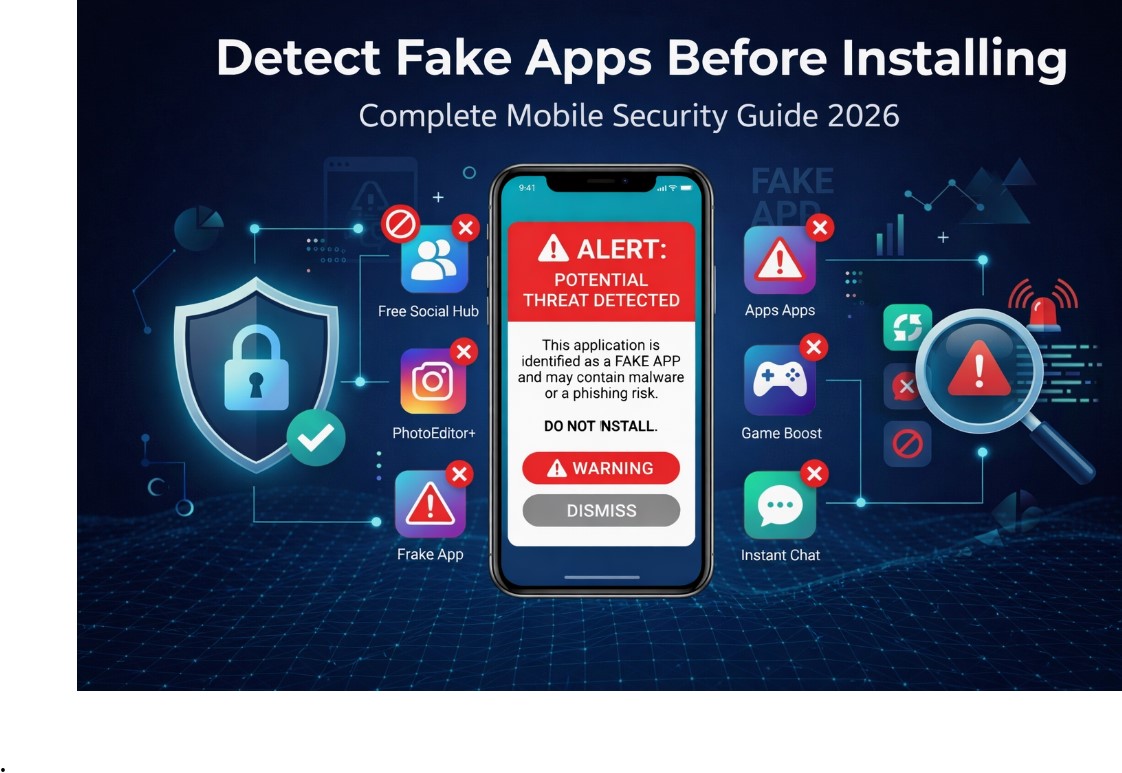
The Growing Threat of Fake Mobile Apps
Mobile applications have become essential tools for banking, shopping, social networking, and entertainment. However, with millions of apps available across various platforms, cybercriminals have found creative ways to trick users into downloading fake applications that can steal personal data, drain bank accounts, or infect devices with malware. Learning how to Detect Fake Apps Before Installing them is no longer optional—it’s a critical digital safety skill for every smartphone user in 2026.
Fake apps are designed to closely resemble genuine, successful applications, using similar names and icons to deceive users. Some claim to have useful functions while secretly stealing data or infecting devices. This comprehensive guide will teach you practical, effective methods to Detect Fake Apps Before Installing and protect yourself from digital threats.
Why Fake Apps Are Dangerous
Understanding the risks helps motivate careful app evaluation. Fake apps pose several serious threats:
Identity Theft and Financial Loss
Many fake apps are designed to access data on your device or trick you into submitting personal information like payment details or passwords. Cybercriminals can then use that data to infiltrate your accounts and steal your identity. Some fake banking apps imitate legitimate banking services, and users who fail to Detect Fake Apps Before Installing may end up passing their account details directly to scammers. Since many fake apps are used for online scams and financial fraud, readers can also learn more in How to Avoid Online Fraud/Scams to recognize common cybercrime tactics.
Device Hijacking and Malware Infection
Scam apps may appear innocent but secretly deploy malware when downloaded. If you don’t Detect Fake Apps Before Installing, this malware can provide cybercriminals with remote access to your device, damage personal files, or use your device to send spam or attack others.
Privacy Breaches and Data Leaks
Some fake apps track your activities using spyware or hidden tracker tools. They may log your keystrokes or even access your smartphone camera. When you take time to Detect Fake Apps Before Installing, you prevent these privacy violations. Fake apps can also steal login credentials and access email accounts, so it is important to read How to Secure Your Personal Mail from Hacked to protect your personal communication.
Common Types of Fake Apps
Counterfeit Lookalike Apps
These apps look almost identical to legitimate, successful apps. They use very similar names and icons, so users who don’t look closely might inadvertently download them. Learning to Detect Fake Apps Before Installing means paying attention to subtle differences in logos and developer names.
Repackaged Malware Apps
Malicious developers copy and repackage legitimate app code, introducing ads or malicious features. Knowing how to Detect Fake Apps Before Installing helps you avoid these repackaged versions.
Fleeceware and Hidden Subscription Apps
Fleeceware apps charge excessive subscription fees for services available elsewhere cheaply or free. The charges auto-renew and are hard to cancel. When you Detect Fake Apps Before Installing, you can identify these subscription traps.
Fake Banking and Finance Apps
Fake banking apps imitate legitimate banking services, making them extra dangerous. Users who fail to Detect Fake Apps Before Installing might pass account details to scammers who can then access real bank accounts.
Fake Crypto Wallets
For cryptocurrency investors, fake wallets open secret backdoor access to cybercriminals who can steal your money. Knowing how to Detect Fake Apps Before Installing is essential for crypto users.
Where Do Fake Apps Appear?
Official App Stores
Both Google and Apple have review systems, but they’re not foolproof. Fake apps appear on both Play Store and App Store. Always Detect Fake Apps Before Installing even when downloading from official sources. Android users can also learn about built-in app security features through Google Play Protect, which scans apps for harmful behavior.
Phishing Emails and SMS
Cybercriminals spread fake apps through phishing messages containing download links. Your ability to Detect Fake Apps Before Installing starts with recognizing these suspicious messages.
Third-Party APK Sites
Third-party sites lack strict vetting, making it easier for cybercriminals to share fake apps. Never download from these sources if you want to Detect Fake Apps Before Installing successfully. Apple also explains its app review and security system through the official App Store privacy and security overview.
10 Practical Methods to Detect Fake Apps
1. Examine the App Icon and Branding
Many fake apps imitate legitimate ones, but there are slight differences. Colors may not be quite right, or the icon may appear blurry. Trust your eyes—if something looks off, investigate further. This visual inspection helps you Detect Fake Apps Before Installing.
2. Look for Typos and Grammatical Errors
Check app descriptions carefully. Legitimate developers ensure well-written descriptions. Fake app developers rush this part, producing text with spelling mistakes. Reading carefully helps you Detect Fake Apps Before Installing.
3. Check the Developer’s Name
Fake developers may name themselves after trusted developers. Check names closely—they may differ by one letter. Tap on the developer’s name to see their other apps. This research helps you Detect Fake Apps Before Installing.
4. Review Download Numbers
Trusted apps often have millions of downloads, while fake apps usually have far fewer. Using download counts helps you Detect Fake Apps Before Installing with objective data.
5. Read User Reviews
Check reviews before downloading. You may find warnings from other users telling you to steer clear. Community intelligence helps you Detect Fake Apps Before Installing.
6. Check Release Date and Updates
If an app was released very recently but has huge download numbers, it’s likely fake. Check update history too. Analyzing patterns helps you Detect Fake Apps Before Installing.
7. Look for Verification Badges
Look for official badges indicating the app is from official sources. These markers help you Detect Fake Apps Before Installing by confirming legitimate distribution.
8. Investigate Permissions
When installing, review permission requests. A step counter asking for camera access is a major red flag. Scrutinizing permissions helps you Detect Fake Apps Before Installing.
9. Be Wary of Unrealistic Promises
Fake developers make claims that are too good to be true. Maintaining healthy skepticism helps you Detect Fake Apps Before Installing.
10. Read Terms and Privacy Policy
Legitimate apps have clear policies; fake apps often have vague or missing ones. Taking time to review helps you Detect Fake Apps Before Installing.
Fake App Detection Checklist
Use this checklist to Detect Fake Apps Before Installing:
- Icon looks sharp and professional
- App description has no spelling errors
- Developer name matches official brand
- Developer has published other legitimate apps
- Download numbers are substantial
- Ratings are decent (4+ stars)
- User reviews mention no security issues
- Release date aligns with popularity
- Update history shows regular updates
- Downloaded from official store
- Permissions make sense for app function
- No unrealistic promises
- Terms and privacy policy are clear
Running through this checklist helps you Detect Fake Apps Before Installing and avoid potential threats.
Conclusion: Your First Line of Defense
Learning how to Detect Fake Apps Before Installing them is an essential digital life skill in 2026. Cybercriminals continuously refine their techniques, but by following the practical steps in this guide—examining icons and developer names, checking downloads and reviews, scrutinizing permissions, and always downloading from official sources—you can protect yourself from most fake app threats.
Remember these key takeaways to Detect Fake Apps Before Installing:
- Always download from official app stores
- Check everything—icons, developer names, descriptions, reviews
- Scrutinize permissions—if an app asks for unnecessary access, don’t install it
- Keep your device and apps updated
- Use security software for additional protection
Fake apps will continue to evolve, but your awareness and careful habits are the strongest defense. Take a few extra minutes before each download—it could save you from identity theft, financial loss, and countless headaches. The time invested to Detect Fake Apps Before Installing is minimal compared to the consequences of installing malicious software.